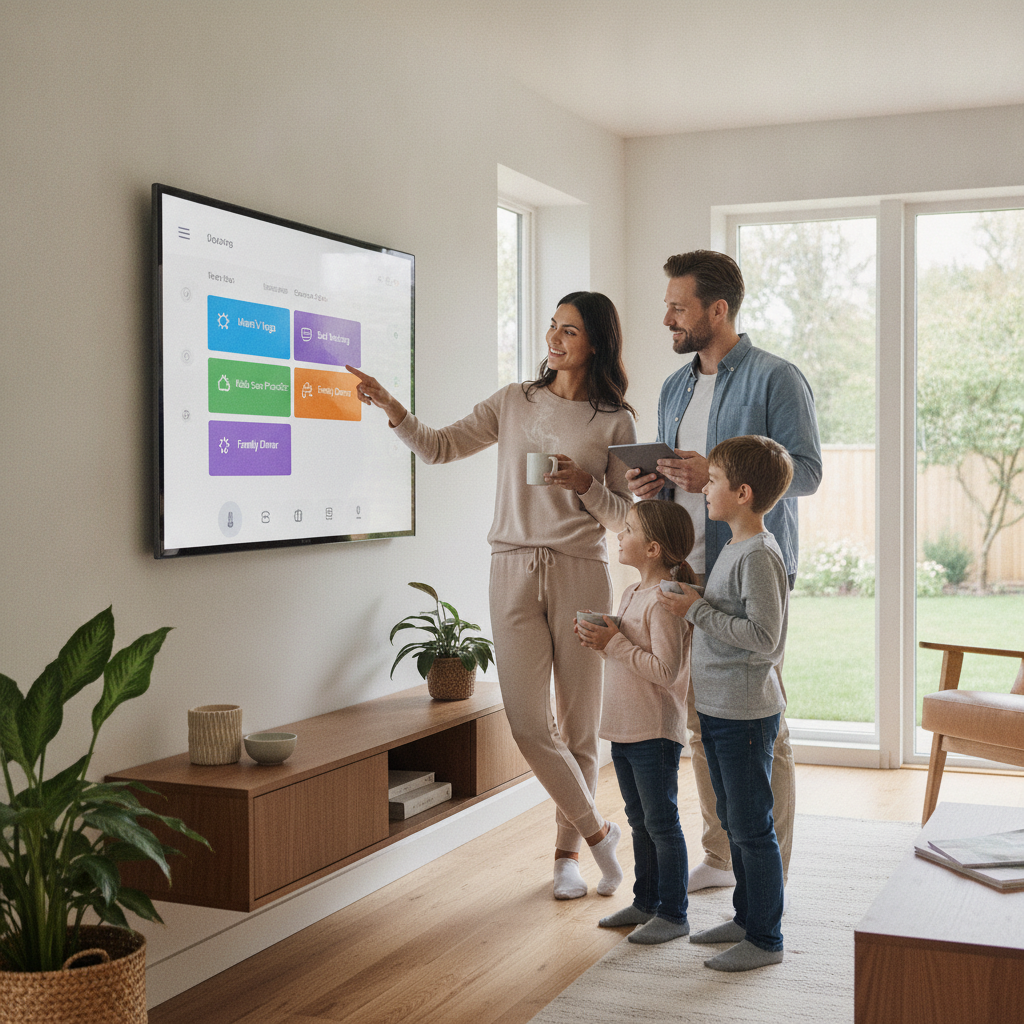
Family life runs on timing — who picks up the kids, when dinner needs to happen, which appointments land on which days. Without a clear system, even well-meaning households end up with missed handoffs, double-booked evenings, and the low-level stress that comes from relying on everyone remembering the same information at the same time. Shared smart home dashboards are quietly solving this problem, not by adding another app to manage, but by bringing existing information into one visible, always-on display that everyone in the house can see at a glance.
Start With a Single Central Display Location
The most effective smart home dashboards work because they're visible without effort. Mounting a display in a high-traffic area — the kitchen, the hallway near the front door, or beside the main entrance — means family members absorb schedule information naturally throughout the day. Google Nest Hub and Amazon Echo Show both support shared calendar views and can pull in data from multiple accounts simultaneously. The goal isn't to create a command center — it's to make coordination feel passive rather than something that requires checking yet another device.
Connect Everyone's Calendars Before Anything Else
The foundation of any shared dashboard setup is a unified calendar view. Google Calendar makes this straightforward because it allows multiple accounts to share calendars with different permission levels — one person can edit, another can only view. Once everyone's schedules are visible on the same display, the gaps and overlaps become obvious without anyone needing to ask. This step alone reduces a significant portion of scheduling friction because the information exists in a shared space rather than living separately in each person's phone.
Use Color Coding to Reduce Visual Clutter
When several people's schedules appear on the same screen, things can get crowded quickly. Assigning each family member a distinct calendar color — within apps like Google Calendar or Apple's shared calendar feature — makes it easy to scan who has what without reading every entry. A dashboard showing four differently colored blocks for Tuesday afternoon communicates the situation instantly. This visual shorthand is especially useful in homes with school-age children where after-school activities, practice schedules, and parental commitments overlap throughout the week.
Add Household Task Lists to the Same View
Schedule coordination only covers part of what causes household friction. Recurring tasks — grocery runs, bill payments, appointments that need to be made — often fall through the cracks because they live in someone's head or a forgotten note. Integrating a shared task list directly into the dashboard view closes this gap. Tools like Todoist and Apple Reminders support shared lists that multiple people can update, and both integrate with smart displays. When the grocery list and the weekly schedule appear on the same screen, nothing has to be tracked separately.
Set Gentle Reminders Through the Display Rather Than Personal Phones
One of the quieter advantages of a household dashboard is that reminders can come from a shared space rather than pinging each person individually. A morning weather briefing on a Nest Hub, a ten-minute heads-up before school pickup, or a soft alert when dinner prep should start — these nudges work without requiring anyone to check their phone or dig through notifications. The display becomes ambient rather than intrusive, offering information at the moment it's useful without demanding attention when it isn't.
Keep the Dashboard Simple Enough That Everyone Uses It
There's a real risk of overbuilding. When dashboards become cluttered with widgets, weather forecasts, news feeds, and widgets nobody asked for, they start to feel overwhelming and people stop looking at them. The most effective setups focus on two or three core data streams: the family calendar, a shared task list, and perhaps the day's weather. Simplicity isn't a limitation — it's what makes the system sustainable over weeks and months rather than something that gets ignored after the novelty fades.
Build a Brief Weekly Review Into the Routine
Even the best dashboard needs a small maintenance habit to stay accurate. A five-minute weekly check-in — Sunday evenings work well for most families — where everyone confirms what's on the schedule for the coming week prevents the drift that happens when calendars go unupdated. This doesn't need to be a formal meeting. It can happen while dinner is being prepared, just a quick verbal scan of what the display is showing and whether anything needs to be added or shifted. The dashboard does the heavy lifting; the review just keeps it current.
Let the Dashboard Replace Verbal Check-Ins, Not Replace Conversation
A shared display works best when it handles the logistics so that family conversations don't have to. Instead of asking "what time is your meeting?" or "did anyone schedule the car service?", those answers are already visible. This frees up actual conversation for things that matter more. Families who use systems like Samsung SmartThings alongside a shared display often report that the reduction in logistical back-and-forth creates more space for genuine connection — not because technology replaced anything meaningful, but because it absorbed the friction that was crowding it out.
The shift toward shared smart home dashboards isn't about adding complexity to household life — it's about making the coordination layer lighter and more visible. Starting with a simple display in the right location, connecting the calendars that already exist, and resisting the urge to overcomplicate the setup is genuinely all it takes. Give it a couple of weeks and the difference in day-to-day smoothness tends to speak for itself.