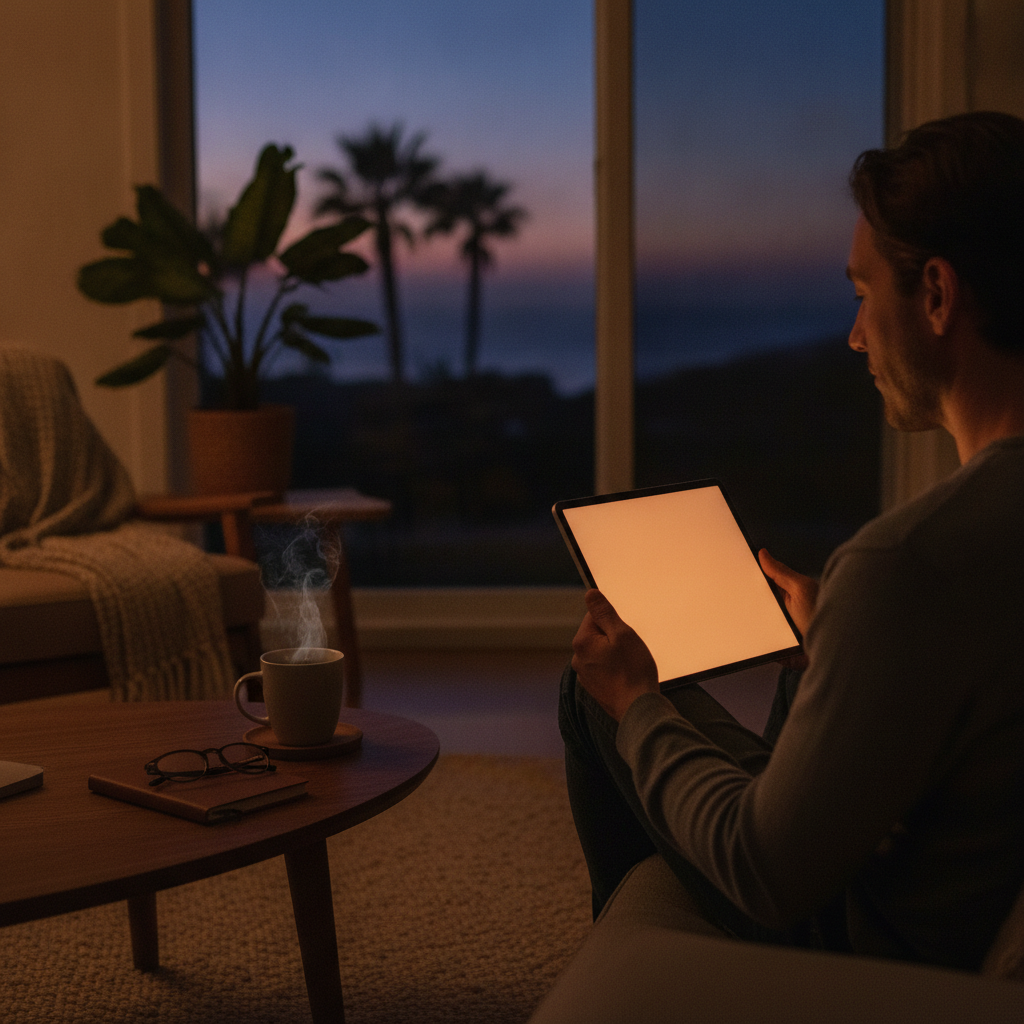
Eye strain by nine in the evening has become one of the most predictable side effects of modern screen life. You've probably tried the manual blue light filter on your phone or laptop — slid the warmth slider up, felt briefly virtuous, and then largely forgotten about it until your eyes reminded you again the next morning. The problem isn't that blue light filters don't work. It's that manual settings are static, and your body's light sensitivity is anything but. A new generation of circadian-aware dimming apps is changing that equation by reading local sunrise and sunset times and adjusting screen output dynamically throughout the day — and the difference in how your evenings feel is worth paying attention to.
Understand Why Static Filters Fall Short
Manual blue light filters apply the same warm tint at 7 p.m. as they do at 11 p.m., regardless of when the sun actually set in your location. Your circadian system, though, is calibrated to natural light transitions — not arbitrary time stamps. When a filter doesn't match the pace of actual dusk, your brain keeps receiving conflicting signals. Circadian-aware apps like f.lux and Apple's Night Shift (when properly configured) use your GPS-confirmed location to track real sunset timing, then begin shifting your display gradually before full dark rather than all at once.
Let the App Pull Your Local Sunrise Time Automatically
The single biggest upgrade these tools offer is location-based light scheduling. Apps like Iris and f.lux pull local sunrise and sunset data daily, so your screen on a December evening in Reykjavik starts dimming dramatically earlier than it would on the same date in Lisbon. That geographic precision is what manual settings can never replicate. Your phone or laptop becomes a tool that acknowledges where you actually are in the world, not just what time zone you checked when you set it up six months ago. Enable location access, confirm your city, and let the automation handle the rest.
Start Dimming Earlier Than You Think You Need To
Most people set their evening screen transition to kick in around 9 or 10 p.m., but research into light sensitivity suggests earlier is more effective. Beginning a gradual warmth and brightness shift around 7 p.m. — or roughly ninety minutes after local sunset — gives your melatonin production a head start. Apps that allow custom curve settings let you configure a slow, barely perceptible ramp rather than an abrupt color shift that feels jarring. The goal is that by the time you're winding down, your screen has already matched the ambient light level in your room without you noticing the transition.
Pair App Dimming With Ambient Room Lighting
Screen dimming works better when your room isn't fighting it. If your overhead lights are blazing white at 8 p.m. while your phone screen has gone amber, the screen adjustment gets partially cancelled out by the environmental light your eyes are also processing. Smart bulbs from Philips Hue or LIFX can be scheduled to mirror your app's circadian curve, shifting from cool daylight tones toward warm amber as the evening progresses. The combined effect — room and screen aligned — creates a coherent wind-down environment your nervous system reads as genuine dusk.
Customize Intensity Profiles for Weekdays Versus Weekends
Your screen habits on a Wednesday night probably look different from a Saturday. Most advanced dimming apps allow separate profiles for different days, which means you can run a stricter low-blue curve on worknights and a slightly more lenient one when staying up late is intentional rather than accidental. Iris, in particular, has flexible scheduling that accommodates this. The point isn't rigid discipline — it's giving yourself a tool that matches your actual life rather than imposing a one-size setting that you'll eventually override and ignore entirely.
Use Keyboard Shortcuts to Temporarily Disable Without Breaking the Habit
One reason people abandon screen dimming apps is that a warm-tinted screen is terrible for color-accurate work — photo editing, graphic design, or reviewing a presentation with precise colors. The fix isn't to disable the app permanently; it's to use the built-in pause function. f.lux offers a one-hour disable shortcut, and most competitors do the same. Train yourself to pause, do the color-sensitive work, and let the app resume automatically. This keeps the habit intact without forcing you to choose between screen health and work quality.
Check That Your App Updates Its Sunrise Data Seasonally
Sunrise and sunset times shift meaningfully across the year, sometimes by several hours depending on your latitude. An app that set your location in March but hasn't refreshed its solar data will be running on outdated timing by June. Apps like f.lux and Iris recalculate daily based on your confirmed location, but it's worth opening settings once a season to verify your city is still registered correctly — especially if you've traveled or relocated. This small check keeps your circadian schedule accurate when the light outside is changing most dramatically.
Monitor How Your Evening Energy Changes Over Two Weeks
Circadian adjustments take time to produce noticeable results because your body needs consistent signaling to recalibrate its rhythm. Give any new screen dimming setup a genuine two-week trial before judging its effect. Pay attention to how quickly you feel sleepy after sitting down in the evening, whether your eyes feel less strained by nine o'clock, and how your first twenty minutes of morning feel. These are practical markers. You're not looking for a dramatic overnight transformation — you're watching for a quiet, cumulative shift in how alert and rested your evenings and mornings become.
Small adjustments to how your screen behaves after dark can compound into genuinely better evenings without requiring willpower or major routine changes. Pick one app, configure your location, and let it run for a few weeks. That's enough of a first step to start noticing the difference.