Modern laptops are quietly doing more than most people realize, and one of the most overlooked examples is the ambient light sensor — a small but sophisticated component that's changing how people work in everything from dim home offices to sunlit cafes.
The Small Sensor Making a Big Difference
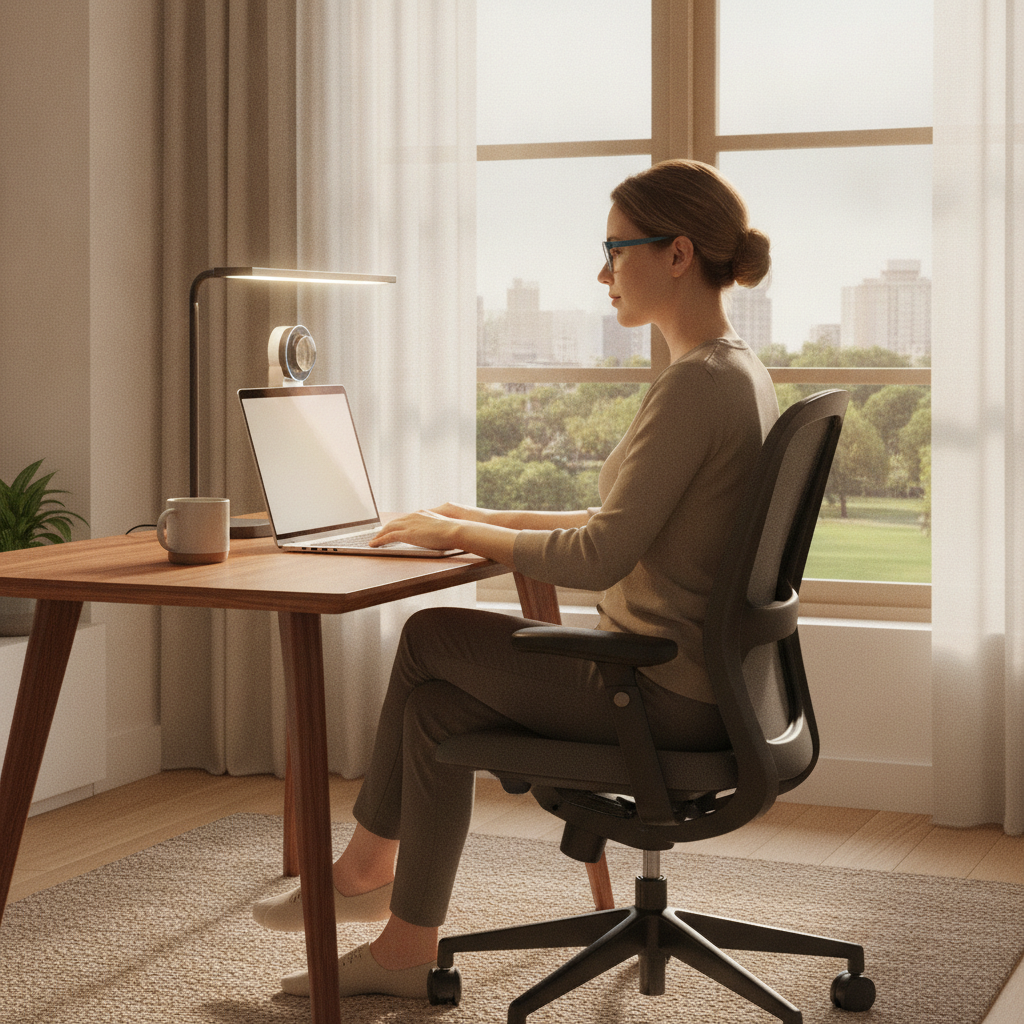
An ambient light sensor, often abbreviated as ALS, is a compact photodetector typically embedded near the top bezel of a laptop display. Its primary job is to measure the intensity and sometimes the color temperature of surrounding light, then relay that data to the operating system. Apple MacBooks, Dell XPS models, and Lenovo ThinkPads have all incorporated these sensors for years, but the intelligence behind how that data gets used has grown considerably. What was once a simple brightness slider tied to ambient conditions has become part of a broader ecosystem of eye comfort features.
How the Technology Actually Works
The sensor continuously samples light levels in the environment and sends readings to the device's display management system. When the room dims — say, as evening approaches — the display brightness drops proportionally to prevent the screen from becoming the brightest light source in the room, which is a known contributor to eye strain. When a user moves near a bright window, brightness increases to maintain contrast and readability. On newer devices, this process happens in real time with smooth transitions designed to be imperceptible, which keeps the experience comfortable rather than jarring.
From Screen Brightness to Full Workspace Integration
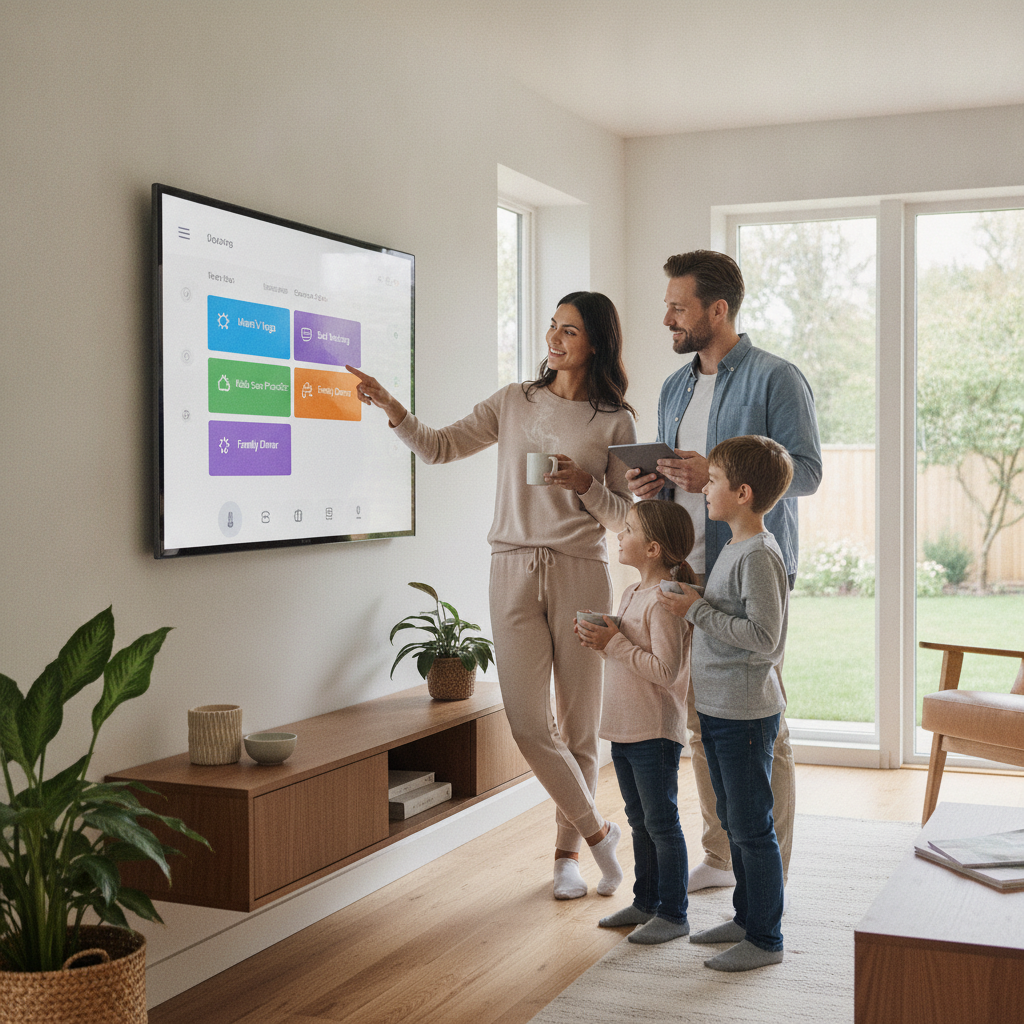
The more interesting development is how ALS data is being used beyond the laptop screen itself. Software platforms like Apple's HomeKit, and smart lighting ecosystems from Philips Hue and LIFX, can now receive signals from a laptop's ambient data to adjust connected bulbs in the room. This creates a feedback loop where the workspace lighting responds to both the ambient environment and the user's display settings. A room with warm, dimmed lighting at night, for instance, can automatically match a screen's reduced blue light output — helping align the entire visual environment rather than just the device display.
The Eye Fatigue Connection
Eye fatigue, sometimes called digital eye strain, occurs when the eyes work harder to process mismatched light conditions — like staring at a bright screen in a dark room, or squinting at a dim display in harsh daylight. The strain accumulates over hours and often shows up as headaches, blurred vision, or difficulty focusing. Research in occupational health has consistently pointed to contrast mismatches between screens and surrounding environments as a key driver of these symptoms. Ambient light sensors directly address this by narrowing the gap between screen brightness and room brightness, reducing the constant muscular adjustment the eyes must make throughout a long workday.
Smart Defaults and Manual Overrides
Most operating systems enable ALS-driven brightness adjustment by default, but the settings are often buried in display or accessibility menus. macOS offers adaptive brightness controls under System Settings, while Windows 11 includes a content-adaptive brightness feature that layers on top of basic ALS adjustments. Both allow manual overrides for users who prefer consistent brightness regardless of conditions. The level of granularity varies by device — higher-end laptops tend to have more sensitive sensors with faster response times, while budget models may apply changes in more noticeable steps. Understanding what your device supports is the first practical step toward using this feature well.
What to Watch for as This Technology Evolves
The next wave of ambient sensing is expected to go beyond light intensity. Some devices are already incorporating color temperature sensing, which adjusts not just brightness but the warmth or coolness of the display's white balance based on the color of ambient light. Combined with AI-driven usage pattern recognition — tracking when a person typically works and for how long — future systems may anticipate eye fatigue risk and adjust proactively rather than reactively. Wearable integration is also emerging, with some concepts linking biometric data like blink rate or eye muscle tension directly to display adjustment logic. The ambient light sensor is, at this point, more of a starting point than a finished solution.
Practical Steps for Getting More From Your Laptop's Sensors
If you want to put these features to better use, start by confirming that adaptive brightness is enabled on your device — it's often turned off after system updates. If you use smart bulbs, explore whether your laptop's ecosystem supports any lighting integrations through apps like LIFX or Philips Hue's Sync feature. Try positioning your workspace so the primary light source isn't directly behind your screen, which helps the sensor read ambient levels more accurately. For longer work sessions, pairing ALS-driven display adjustment with a scheduled night mode — like Night Shift on Mac or Night Light on Windows — covers both the brightness and color temperature sides of the equation.
Ambient light sensors represent one of those technologies that works best when it's invisible — quietly maintaining comfort so attention stays on the work rather than the discomfort. As laptop hardware and smart home ecosystems continue to converge, the sensor's role in managing not just a screen but an entire workspace environment will only become more central to how people think about setting up a healthy and productive place to work.